
Table of Contents
Digital Marketing Strategies for Small Businesses help you attract the right customers at the right time without wasting money. Instead of chasing people, your business starts getting noticed through Google searches, social media, and valuable content that builds trust. When customers feel connected to your brand, they are more likely to choose you, contact you, and buy product from you. This is how small businesses grow steadily—by turning online attention into real leads, real sales, and real business growth.
The good news?
You don’t need a huge budget or a big marketing team to grow online. A smart and well-planned digital marketing strategies is enough to boost your visibility, build trust, and increase sales.
In this blog, we’ll break down a simple, practical, and effective digital marketing strategy that any small business can apply — even with limited time and money.
1. Understand Your Audience Clearly
Every successful digital strategy starts with one thing — knowing your audience.
Ask yourself:
- Who is my ideal customer?
- What are their problems?
- What do they search on Google?
- How can my business help them?
For example:
If you run a bakery, your audience might search:
- “Best birthday cakes near me”
- “Custom cakes in Delhi”
- “Affordable bakery for parties”
When you understand this, you can create the right content, run the right ads, and target the right people.
Tip:
Create a simple customer profile: By Their Age , Location , Interests , Income , Buying Behaviour , Pain points .
AGE
Customer Age plays a big role in what customer like, how they think, and what they buy.
Why Age Matters?
- Different age groups of customers have different needs .
- Their digital habits are also different .
- The way they respond to content also changes.
Example:
- 18–25 years: Customer want trendy, budget-friendly products. Active on Instagram & YouTube.
- 26–40 years: Customer want quality, convenience, and time-saving solutions. Active on Google & LinkedIn.
- 40–60 years: These customer prefer trusted brands and detailed information. Active on Facebook.
Your marketing message must match the age group’s mindset.
LOCATION
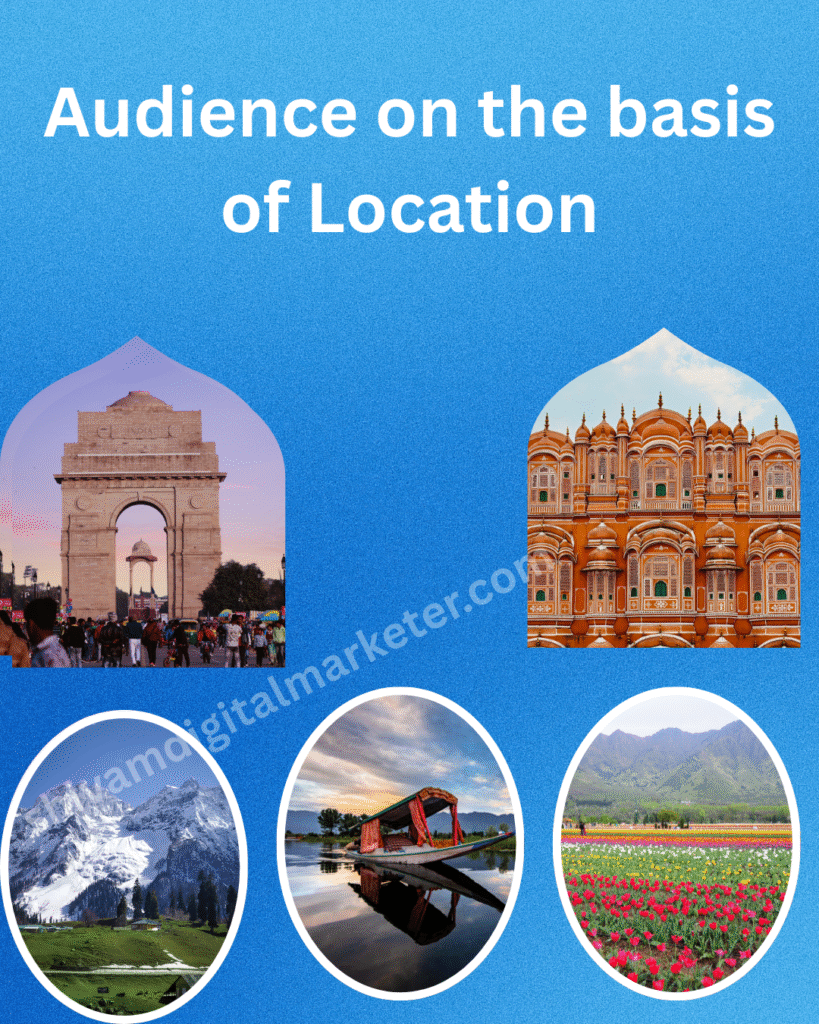
Location tell you what kind of people you are talking and what they need people from different place have different :
- Culture influences preferences
- Weather affects product demand
- Urban vs rural needs differ
- Language also changes marketing style
Example:
- Someone in Delhi may search for “summer skin care.”
- Someone in Kerala may prefer “natural coconut-based skincare.”
- Someone in rural areas may want content in Hindi or regional language.
Understanding location helps you localize your content and offers.
Interests
Interests tell you what your audience loves, follow, enjoys ,spend time on.
When you know what they are genuinely interested in ,you can create content or product that natually into daily life .
Why Interests Matter?
- What type of content they enjoy .
- What kind of products they like .
- What motivates them to take action .
- What they follow on social media .
Example:
A person interested in:
- Fitness people will like health supplements, gym content etc .
- Digital marketing students will want SEO tips, tools, blogs etc.
- Chef will prefer recipe videos, kitchen tools etc.
Marketing becomes more effective when it matches audience interests.
- Income
Income tells you how much your audience can afford ,how they make purchasing decision and what kind of product or service they are comfortable for buying.
Why Income Matters?
- What they will buy
- When they will buy
- How much they will spend
- What quality they expect
- What brand they trust
Example:
- Some people look for budget friendly products, while other prefer premimum or luxury option .
- Low income buyer focus on affordable practical , value for money items.
- High income buyer focus on quality , brand , comfort and experience.
Your product and pricing must match your audience’s income level.
Buying behavior
Buying behaviour means how your audience thinks, decides, and acts before purchasing anything.
It shows the stepsyouraudiencetakes from seeing your product → trusting it → and finally buying it.
Every audience buys differently.
Some customer buy quickly, some customer take time, and some customer need strong reasons to buy.
Understanding their buying behaviour helps you create content, offers, and marketing messages that truly match their mindset
Why This Matters
Buying behaviour tells you:
- What your audience thinks before buying.
- What they want to see before taking buying decision.
- What thing convinces them.
- What thing scares them before taking decision.
- What pushes them to take action.
When you understand this, your marketing becomes more relatable and more effective.
Example:
A friend of mine sells fitness equipment online.
He noticed something interesting:
People don’t buy dumbbells immediately.
They visit his website 3–4 times, check:
Price , Weight of dumbbells ,Reviews ,Delivery charge is fair or not .
Then they finally buy.
This is because fitness buyers have a comparison-based buying behaviour.
To improve conversions, he added:
- More customer reviews
- Better product images
- “Free delivery” banner
- A small discount on first purchase
Within 2 weeks, his sales increased.
Not because he changed the product…
But because he understood how his audience buys.
Pain points
Pain points are the problems, challenges, or frustrations your audience is facing right now.
These are the reasons why people search on Google, watch YouTube videos, and buy products.
Pain points tell you what your audience is struggling with and what solution they are desperately looking for.
Why This Matters
- They show what your audience actually needs
You don’t have to guess what people want.
Their pain points clearly show.
- Pain points increase your sales
People don’t buy products…
People buy solutions to their problems.
If your product or content solves their pain point, they trust you faster and buy quickly.
- Painpoints guide your content & marketing.
If your audience struggles with:
- Slow website → Create content about website speed which is helpful for them.
- Low sales → You can guide them for sales and tell them some strategies which they can apply after their sales will increase.
Example : A woman was searching online for skincare.
She saw hundreds of ads but ignored them. WHY ?
Because her pain point was not “buy skincare products.”
Her real pain point was “ I have dark spots on my face and I want to remove them”.
One day she saw an ad that said:
“ Fade dark spot in just 3 weeks.” She clicked immediately.
Because the ad directly touched her pain point.
She didn’t buy because of brand or price.
She bought because:
- The product solved her specific problem
- The message spoke to her pain
This is the power of understanding pain points.
2. Build a Strong Website (Your Digital Home)
Your website is the digital home of your business. Even if you have social media pages, you still need a website because:
- Builds trust – Trust is the most important part of any website.
Even if your design is beautiful and your content is amazing, people will not stay or buy if they don’t trust your website.
When trust increases, people buy your product & service again and again ,become a loyal customer for your business, they will give more customer in future by share their experience and become a free brand ambassador .
- You control everything – With your own “Hostinger website” , you control everything — the design, content, branding, layout, messaging, and user experience. You’re not limited by social media rules or algorithms. You decide how your site looks, how it performs, and how users interact with it, giving complete freedom and flexibility.
- Customers can find your services easily – Customers can find your services easily when you provide clear information, use the right keywords, and maintain a strong online presence. With proper SEO, social media activity, and accurate business listings, people searching for your services can discover you quickly, which increases trust and boosts conversions naturally.
- It improves your Google ranking – It improves your Google ranking by helping search engines understand your content better. When you use proper keywords, quality content, fast loading speed, and strong backlinks, Google considers your site more valuable. As a result, your website appears higher in search results, increasing visibility and attracting more visitors.
A good website for a small business should include:
- Clean and simple design – A clean and simple design means your website is easy to navigate, visually clear, and clutter-free. It uses minimal colors, readable fonts, and organized sections so visitors can quickly find what they need. This improves user experience, builds trust, and keeps customers on your site longer, increasing chances of conversions.
- Fast loading speed– A fast-loading website opens within a few seconds, keeping visitors engaged and preventing them from leaving. Slow pages frustrate users and reduce trust. Speed also helps your Google ranking, making your business more visible. Fast loading improves user experience, increases conversions, and shows professionalism, which is important for small businesses.
- Mobile-friendly pages– Mobile-friendly pages adjust smoothly to any screen size, making your website easy to read and use on smartphones. Since most people browse on mobile, a responsive design improves user experience, reduces bounce rate, and increases trust. Google also ranks mobile-friendly sites higher, helping small businesses attract more customers.
- Your business story – Your business story shares who you are, why you started, and what makes your brand unique. It builds an emotional connection with customers by showing your values, mission, and journey. A clear, honest story helps people trust your brand, remember you, and feel confident choosing your products or services.
- Service details and pricing– Service details and pricing clearly tell customers what you offer, how it works, and what they will pay. This transparency removes confusion, builds trust, and helps people make quick decisions. When customers easily understand your services and costs, they feel more confident, leading to higher conversions and better customer satisfaction.
- Customer reviews– Customer reviews show real experiences from people who have used your products or services. They build trust, prove your business is reliable, and influence buying decisions. Positive reviews act as social proof, while even constructive feedback shows honesty. Displaying reviews helps new customers feel confident and increases your chances of getting more sales.
- High-quality images- High-quality images make your website look professional and trustworthy. They clearly show your products, services, or workspace, helping customers understand what they will get. Good visuals create a strong first impression, increase engagement, and make your brand feel more credible. Clear, attractive images also improve user experience and boost conversions.
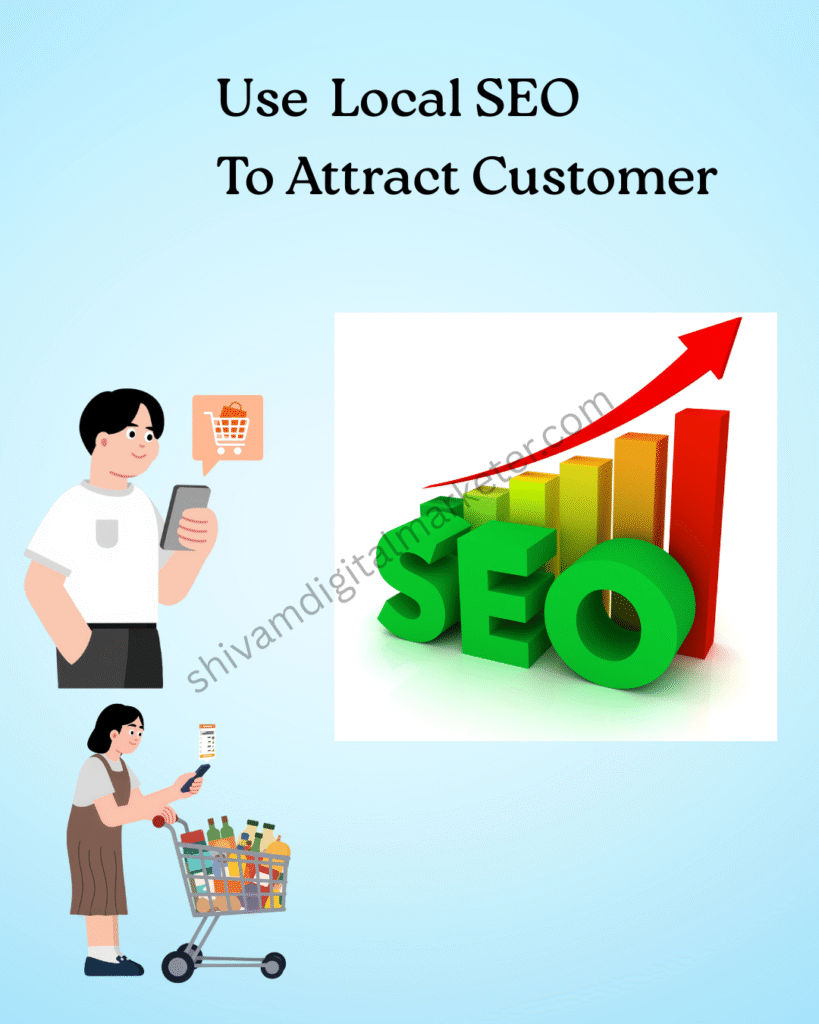
3. Use Local SEO to Attract Nearby Customers
Most small businesses depend on local customers. That’s why Local SEO is one of the most powerful tools. Local SEO helps your business appear in search results when nearby customers look for services like yours. By optimizing your Google Business Profile, using location-based keywords, and collecting local reviews, you increase your visibility. This brings more foot traffic, calls, and inquiries from people in your area who are ready to buy.
Steps to improve Local SEO:
Create and optimize Google Business Profile
Add:
Business name , Address ,Phone number ,Website link ,Photos ,Opening hours ,Category ,Service ,Product
Collect customer reviews
Collecting customer reviews helps build trust and improve your local ranking.
Positive feedback shows new customers that your business is reliable, increasing chances of conversions and attracting more local buyers.
Add local keywords to your website
Examples:
- “Best digital marketing agency in Delhi”
- “Affordable photography services in Mumbai”
Add your business to local directories
- JustDial
- Sulekha
- IndiaMART
- UrbanClap (if relevant)
Local SEO is free and very powerful. Many small businesses get 50–70% of their customers from Google local searches.
4. Start Blogging to Get Organic Traffic
Blogging is a long-term but extremely effective strategy. Blogging helps your website rank for more keywords and attract organic traffic without spending on ads. By sharing helpful tips, guides, and solutions related to your industry, you build trust and authority. Quality blog posts bring consistent visitors, improve SEO, and turn readers into potential customers over time.
It helps you:
- Rank on Google ,Build trust ,Educate your customer ,Convert readers into customers.
Examples of blog topics for small businesses:
- A beauty salon: “10 Simple Hair Care Tips for Smooth Hair”
- A fitness coach: “Best Diet Plan for Weight Loss in 2025”
- A bakery: “Top 5 Cakes for Anniversary Celebrations”
- A digital marketer: “How to Increase Sales Through Digital Marketing”
“Blogger” help people discover you even when they are not looking to buy immediately. But later, when they want your service, they will remember you.
Tip: Target low-competition keywords (KD under 30) if your website is new.
5. Use Social Media to Build Trust and Brand Awareness
Social media is a powerful way to connect emotionally with customers. You don’t need to be on every platform — just choose the ones your customers use.
Best platforms for small businesses:
Facebook ,Instagram ,You Tube ,WhatsApp Business ,LinkedIn (for B2B)
What to post?
- Behind-the-scenes
- Product photos
- Customer stories
- Tips and educational content
- Offers and discounts
- Short videos/Reels
- Before/After results
- Business achievements
- Staff introduction
Important:
Be consistent. Even 3–4 posts per week build strong presence
6. Run Budget-Friendly Ads (Google + Facebook/Instagram)
If you want faster results, ads help you reach the exact customers you want.
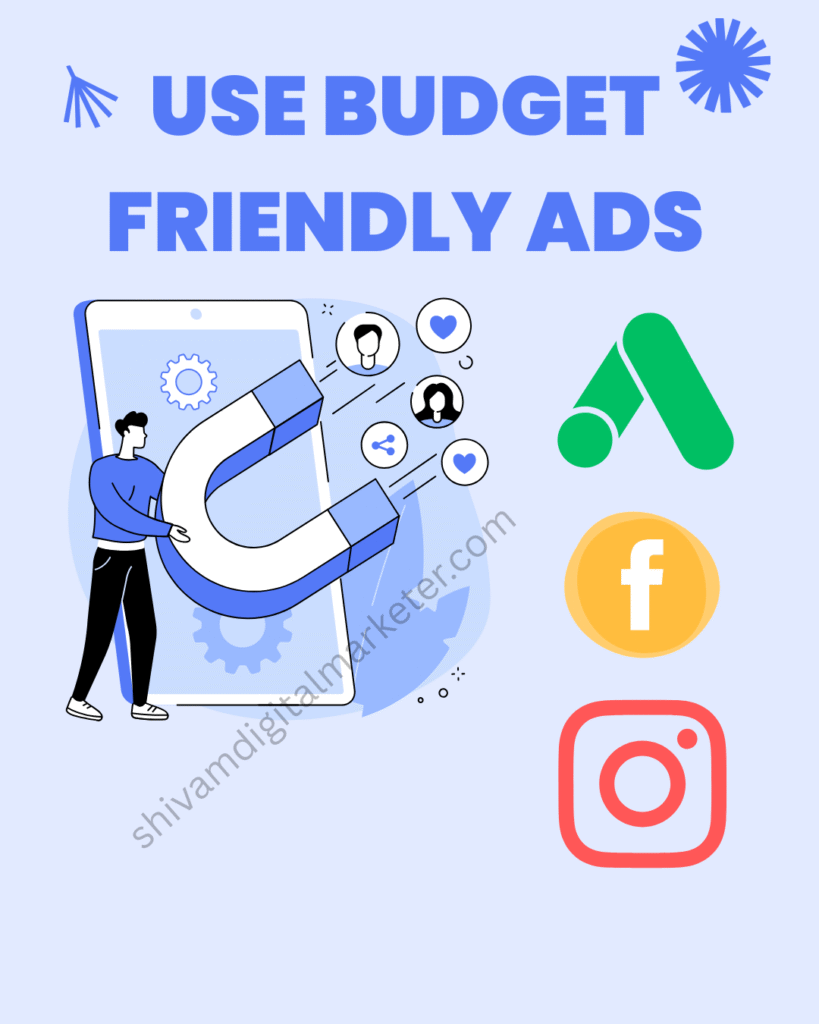
Google Ads
Google Ads is an online advertising platform by Google where businesses pay to show their ads to people searching for related products or services. When someone types a keyword on Google, your ad can appear at the top of search results. You pay only when someone clicks your ad (PPC – Pay Per Click).
It helps you:
- Reach customers instantly
- Target specific keywords, locations, age groups, and interests
- Control your budget
- Get quick leads and sales
- Track performance in real time
Example:
You search: “buy running shoes online”
Google shows a product ad with shoe images, prices, and ratings.
This is a Google Shopping Ad.
Facebook/Instagram Ads
Great for:
- Brand awareness
- Product-based businesses
- Fashion, beauty, lifestyle
- New offers and launches
You don’t need a big budget — even ₹200–300/day is enough in the beginning.
Tip:
Target specific audience to avoid wasting money.
7. Email Marketing: Talk Directly to Your Customers
Email marketing is still one of the most powerful ways to increase sales, especially for small businesses. Email marketing lets you send personalized messages directly to your customers’ inboxes. You can share offers, updates, and helpful content to keep them engaged. It builds strong relationships, increases repeat sales, and reminds customers about your business without spending a big budget.
You can send:
- Welcome messages
- Discount offers
- New product launches
- Helpful tips
- Festival offers
Tools like Mailchimp or MailerLite allow you to send emails even for free.
Why email marketing works?
- Direct Communication – Email marketing works because it lets you talk directly to your customers without any middleman. Your message goes straight to their inbox, increasing the chances that they’ll read it and take action.
- Highly Personalized– You can customize emails based on customer interests, behavior, or past purchases. When people receive content that feels personal, they connect more with your brand and are more likely to buy again.
- Cost-Effective– Email marketing is very affordable compared to ads or other promotions. Even with a small budget, you can reach hundreds or thousands of customers, making it perfect for small businesses.
- Builds Long-Term Relationships – By sending helpful tips, offers, or updates regularly, you stay in your customer’s mind. This constant communication builds trust, turning one-time buyers into loyal customers.
- Easy to Track and Improve– Email marketing provides detailed analytics—like open rates, clicks, and conversions. This helps you understand what your customers like and improve your strategy to get better results every time.
- Drives Repeat Sales– Emails remind customers about new products, discounts, or services. This increases the chances of repeat purchases because customers don’t forget about your business.
8. Create Engaging Video Content
Video marketing is booming. People prefer short, informative, and entertaining videos. Create engaging video content by using clear messaging, eye-catching visuals, and storytelling. Keep the video short, add subtitles, and maintain good audio quality. Use hooks in the first few seconds and include a strong call-to-action to increase viewer engagement
Here are some simple and effective video ideas:
- How-to Tutorials – Teach a quick skill related to your niche.
- Before & After Transformations – Great for digital marketing, fitness, or design.
- Customer Testimonials – Real users sharing their experience.
- Behind-the-Scenes – Show how you work or create content.
- Product/Service Demo – Explain benefits in a simple way.
- Tips & Tricks Videos – Short, valuable advice in your niche.
- Problem–Solution Video – Highlight a common issue and how you fix it.
- Trend-Based Reels/Shorts – Use trending audio to boost reach.
- Case Studies – Show real results from your client project.
- Storytelling Video – Share your journey, mistakes, or success stories.
How-To Tutorial (Step-by-Step Guide)
Example:
“How to Install Google Analytics on Your Website — Complete Step-by-Step Guide”
Break it into clear steps, show your screen, explain why each step matters, and end with quick tips for beginners.
Why it works: People love quick solutions to their problems.

Problem–Solution Explainer Video
Example:
“Struggling to Get Traffic? Here’s Why Your Blog Isn’t Ranking — And How to Fix It.”
Start by addressing a common pain point, then show actionable solutions using examples.
Why it works: Solves real audience problems and builds trust.
Behind-the-Scenes (BTS) of Your Work
Example:
“A Day in My Life as a Digital Marketer — Client Work, Content Ideas & Tools I Use.”
Show your desk setup, editing process, meetings, and how you create content.
Why it works: Makes your brand relatable and authentic.
Case Study Video
Example:
“How I Increased a Local Business’s Sales by 200% Using Google Ads — Full Breakdown.”
Show real data, strategy, budget, mistakes, and final results.
Why it works: Proves your skill with real examples.
Tips & Tricks / Quick Hacks Video
Example:
“5 SEO Tricks You Can Implement in 10 Minutes to Boost Traffic.”
Keep it fast-paced with bullets, screen recordings, and practical demos.
Why it works: Bite-sized value = high shareability.
Tool Review or Comparison
Example:
“Canva vs Adobe Express — Which One Should You Use for Social Media Designing?”
Show features, pricing, pros/cons, and your real opinion.
Why it works: Helps viewers make decisions quickly.
Client Testimonial Story Video
Example:
“I interview my client about how digital marketing helped grow their local shop.”
Capture real stories, emotions, and results.
Why it works: Social proof increases conversions
Trend + Value Mix Video
Example:
Use a trending sound while explaining:
“3 Mistakes New Bloggers Make — Avoid These!”
Why it works: Trends boost reach, value keeps people watching.
Myth vs Reality Video
Example:
“Myth: SEO results come instantly. Reality: It takes consistent effort and optimization.”
Use text overlays, bold visuals, and fast transitions.
Why it works: Busting myths grabs attention fast.
Storytelling or Personal Journey
Example:
“I Started Digital Marketing With 0 Skills — Here’s How I Got My First Client.”
Share struggles, learnings, and key turning points.
Why it works: Stories emotionally connect with the audience
9. Build Strong Customer Relationships
A small business grows only when customers stay loyal. Build strong customer relationships by talking to customers regularly, understanding their problems, and helping them quickly. Be friendly, honest, and reliable so they trust you. Give good service, ask for feedback, and thank them for choosing your business. Small gestures of care make customers stay longer.
Example: How a Small Local Shop Builds Strong Customer Relationships
- Talk politely and listen carefully
You ask, “What problem are you facing?” and listen without interrupting. This makes the customer feel respected. - Explain the issue in simple words
You tell him, “Your charging port is loose. I can fix it in 30 minutes.”
Clear communication builds trust. - Give honest advice
Instead of forcing extra services, you only recommend what is needed. Customers appreciate honesty. - Update him during repair
You tell him, “It’s almost done, just testing it now.” This reduces customer stress. - Offer a small extra help
You clean his phone or apply a free screen cleaning service. Small gestures make customers happy. - Share tips for future care
You explain, “Avoid using low-quality chargers; they damage the port.”
Helpful advice builds long-term connection. - Follow-up message
After 2 days, you send a WhatsApp message:
“Sir, is your phone working fine now?”
This makes the customer feel valued. - Ask for feedback
You say, “If you liked our service, please leave a Google review.”
This builds reputation and relationship both.
Result:
The customer trusts you, returns next time, recommends you to others, and becomes loyal—all because you treated him well and showed genuine care.
10. Track Your Results and Improve
Digital marketing is not a one-time thing. You must track your performance & track your results and improve by checking what is working and what is not. Look at your website traffic, sales, or ad performance. Change your strategy based on the data. Keep testing new ideas to get better results over time.
Use these tools:
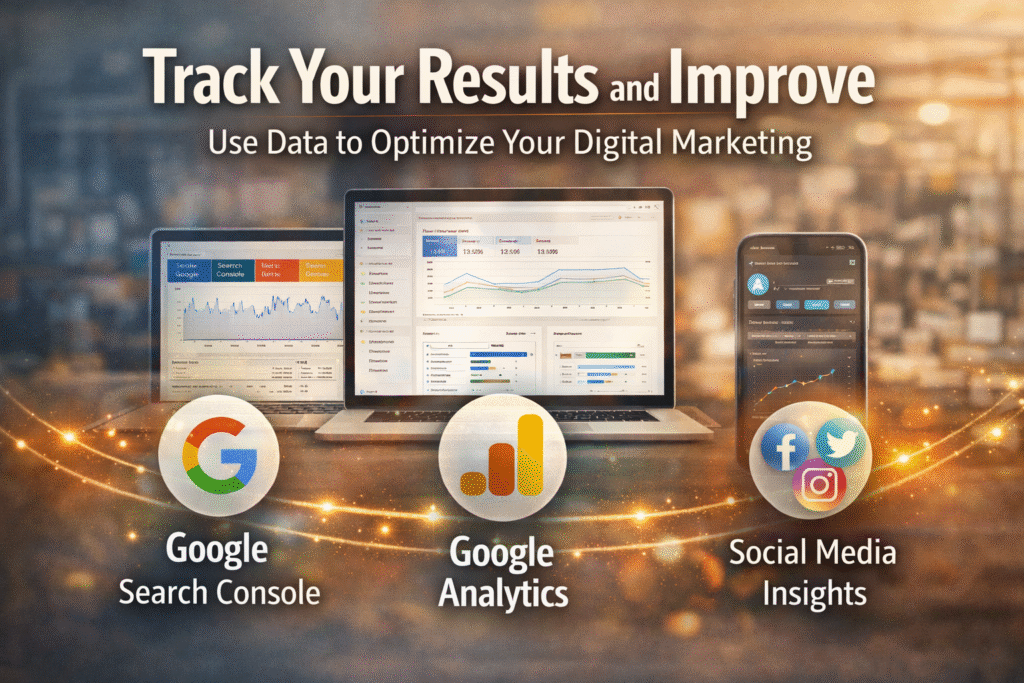
Google Analytics
Google Analytics is a free tool that shows how many people visit your website, where they come from, and what pages they view. It helps you understand your audience and see what is working so you can improve your website and grow faster.
Check:
- Traffic – You can check your website traffic by using tools like Google Analytics. It shows how many people visited your site, which pages they opened, and how long they stayed. Just open the dashboard, and you’ll see all the numbers clearly in one place.
- Bounce rate – Bounce rate means how many people visit your website but leave quickly without clicking anything. You can check it in Google Analytics. A high bounce rate means visitors are not interested or your page is slow. Improving content and speed can reduce it.
- Popular pages – You can check your popular pages using tools like Google Analytics. It shows which pages get the most views, how long people stay, and what content they like the most. This helps you understand what your audience enjoys so you can create more similar content.
- Sessions – A session means one visit to your website. When someone opens your site and browses pages, that full activity is counted as one session. If they come again later, it becomes another session. You can check sessions in Google Analytics to see how many total visits your website gets.
- Time on page – Time on page means how long a visitor stays on a specific page of your website.
You can check it in Google Analytics. It shows the average time people spend reading or viewing your content. More time means users like your page; less time means it needs improvement.
Google Search Console
Google Search Console is a free tool from Google that helps you understand how your website appears in Google search results. It shows which keywords bring traffic, how many clicks and impressions you get, and if there are any errors on your site. It helps you improve your website’s SEO and ranking.
Check:
- Keywords – In Google Search Console, keywords mean the exact words or phrases people searched on Google before your website appeared in search results.
Google Search Console calls them “Queries.”
- Impressions – In Google Search Console, impressions mean how many times your website appeared on Google search results when someone searched for a related keyword.
- Clicks – In Google Search Console, clicks mean how many times people clicked your website link after seeing it on Google search results. More clicks show that your title and description are attractive. You can check total clicks in the Performance then click Search Results section.
- Indexing issues – Indexing issues mean Google is not able to properly read, save, or show your website pages in search results. This happens due to errors like blocked pages, slow loading, or incorrect URLs. Fixing indexing issues helps your pages appear on Google faster.
Social Media Insights
Social Media Insights show you how your posts are performing. They tell you how many people saw, liked, shared, or commented on your content. These insights help you understand what your audience enjoys so you can create better posts and grow your page faster.
Check:
- Reach – Reach in social media insights means how many unique people saw your post, reel, or story. Even if someone sees your post many times, they count only once. Higher reach means your content is spreading to more people and getting more visibility.
- Engagement – Engagement in social media insights shows how people interact with your content. It includes likes, comments, shares, saves, and clicks. Higher engagement means people are interested in your post. Good engagement helps your content reach more users and improves your overall page growth.
- Followers growth – Followersgrowth means how fast your followers are increasing on social media insights. It shows how many new people started following your page in a specific time. When your content is helpful and engaging, more people follow you, and your page grows steadily over time.
When you analyse your data, you understand what works and what doesn’t.
Conclusion
A smart digital marketing strategy helps small businesses reach the right customers, build trust, and grow faster without a big budget. By using SEO, social media, content marketing, email campaigns, and paid ads wisely, even a small business can compete with bigger brands. The key is staying consistent, understanding your audience, tracking your results, and improving your approach over time. With the right strategy, every small business can create a strong online presence and achieve steady, long-term success.